 Vigia · Studio
Where are the requests stuck?
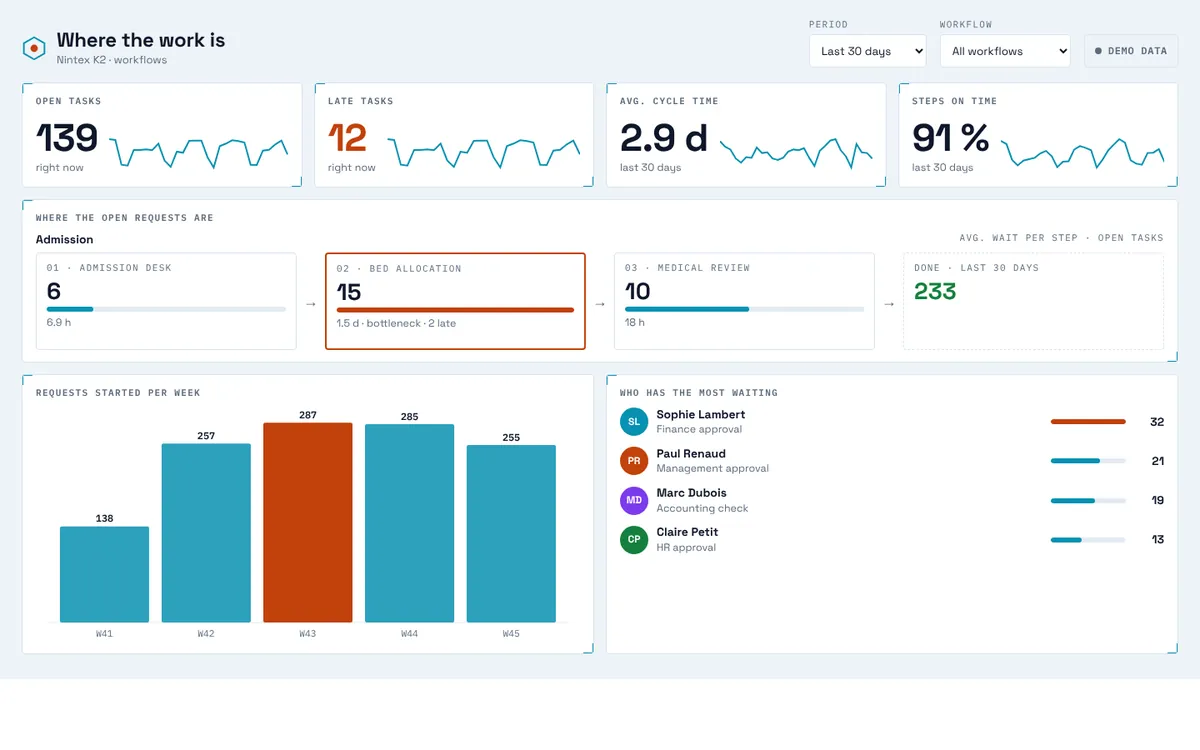
The step pipeline shows each step of a workflow, how many requests wait there and the slowest one.
Step pipeline · Funnel · Workflow × waiting timeVigia Studio builds live dashboards on your K2 data: open tasks, late steps, cycle times, SLA and who has the most waiting. Pick a template, drag the blocks, download one K2 package. It runs inside K2.
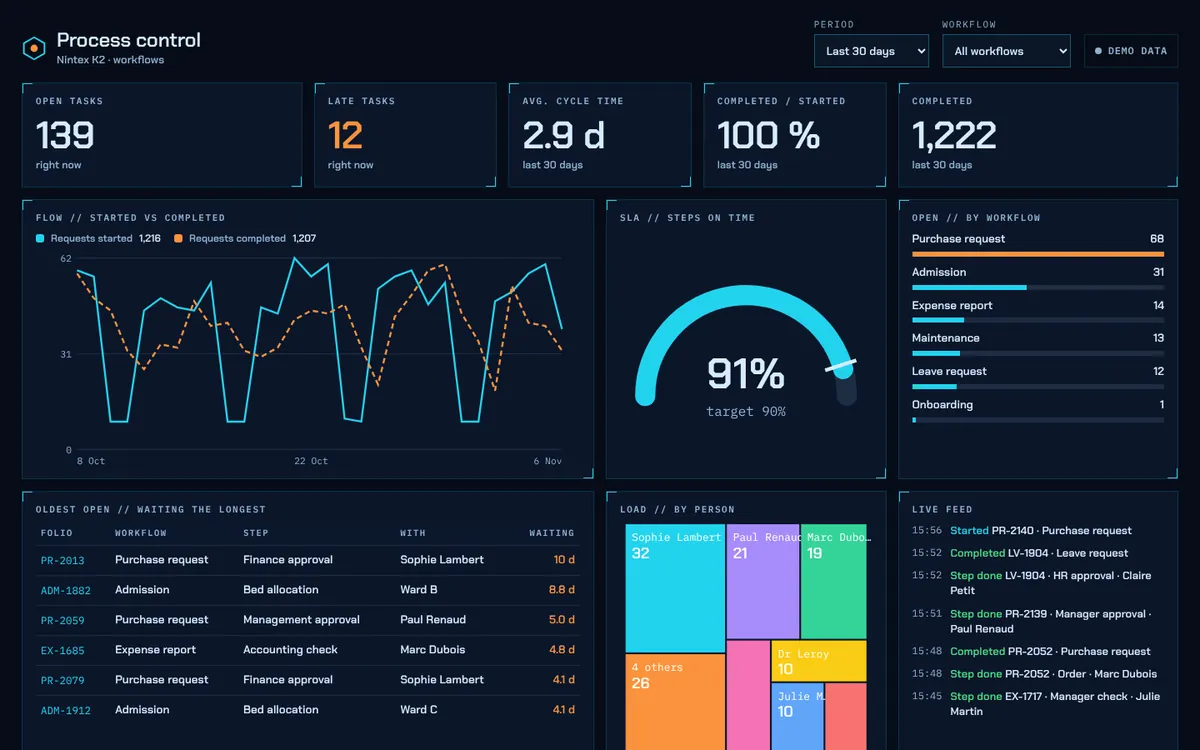
This is the real dashboard engine, running on sample K2 data. Change the period or the workflow above.
Reads what K2 already records
The questions a K2 owner gets every week
The step pipeline shows each step of a workflow, how many requests wait there and the slowest one.
Step pipeline · Funnel · Workflow × waiting timeTasks older than your SLA turn orange. The oldest ones come first, with their folio and their owner.
Late tasks · Ring · GaugeOpen tasks by person, by role or by workflow, with the average waiting time next to each name.
People · Ranked bars · TreemapStarted, completed and cycle time against the previous period, day by day or week by week.
Number vs previous · Line · CalendarVigia Studio
No code, no report server, no BI licence. You arrange the screen, K2 provides the data.
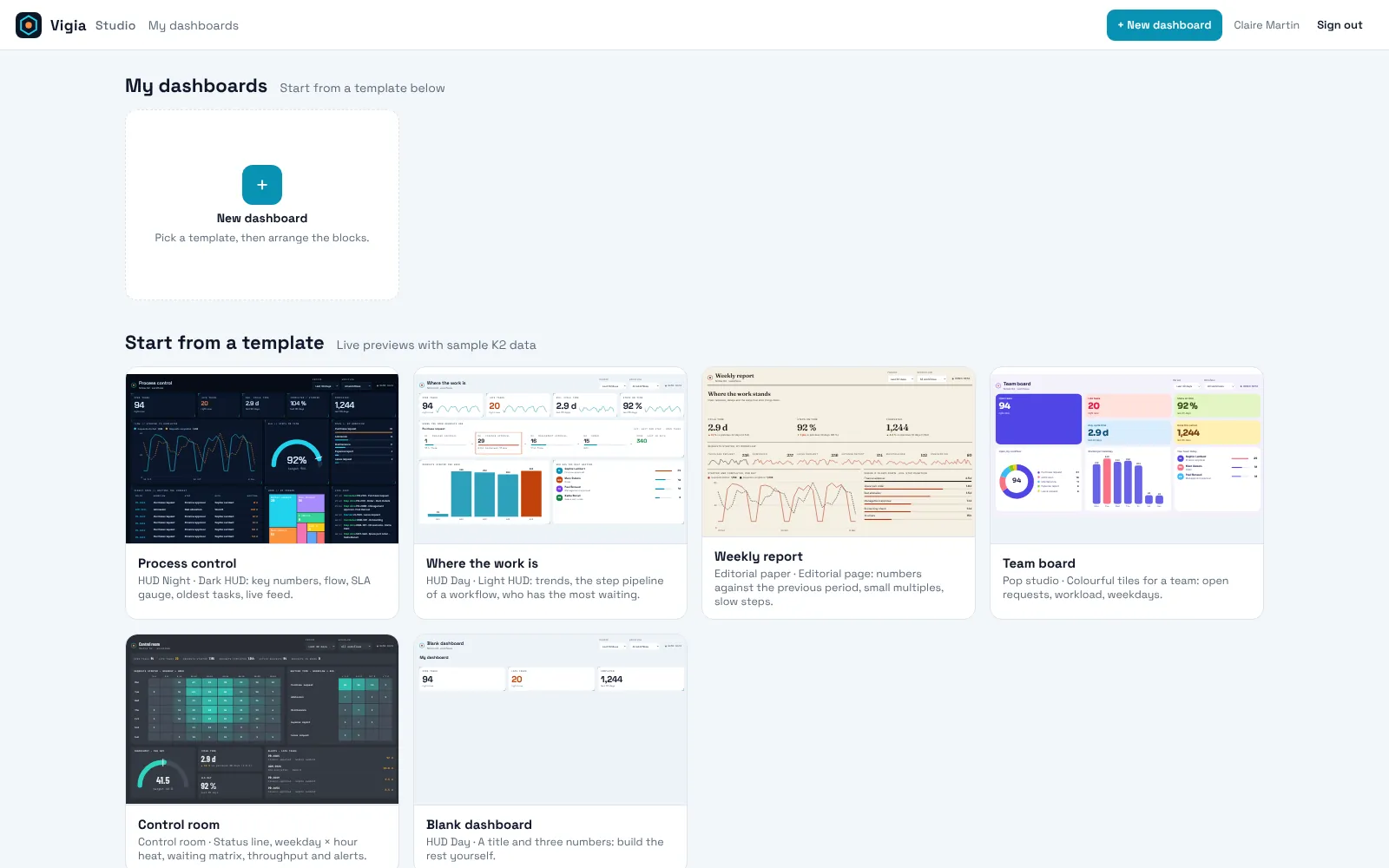
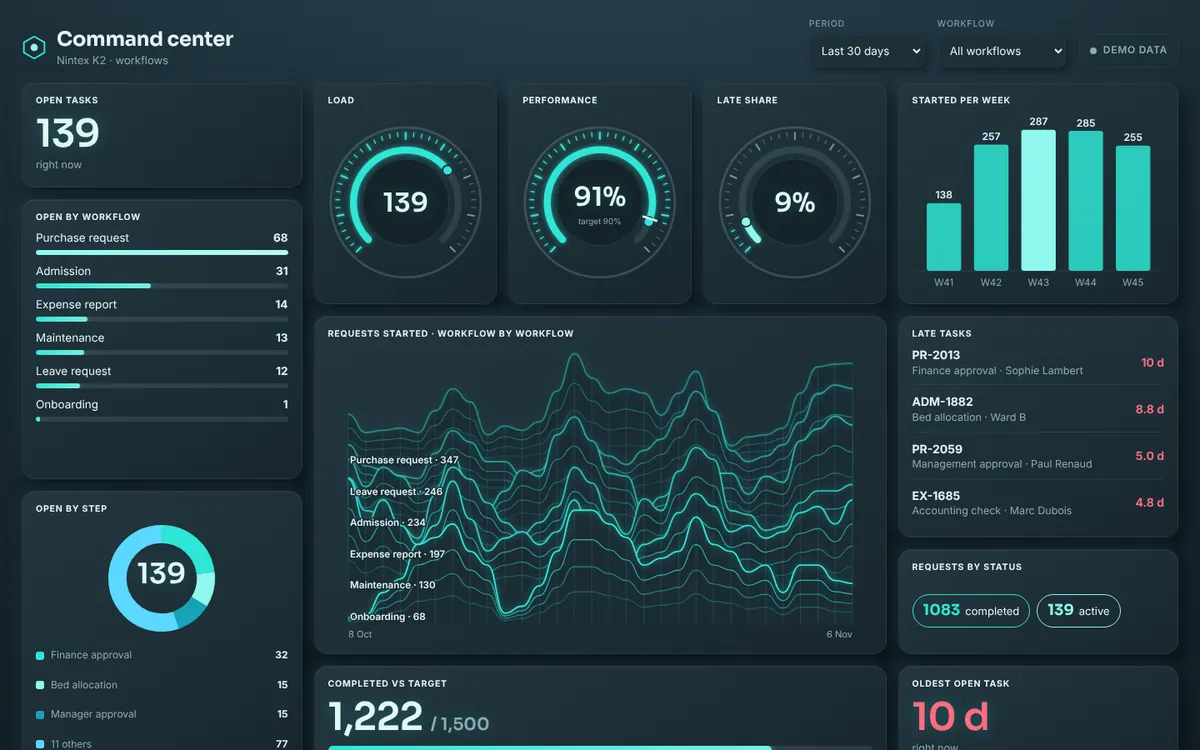
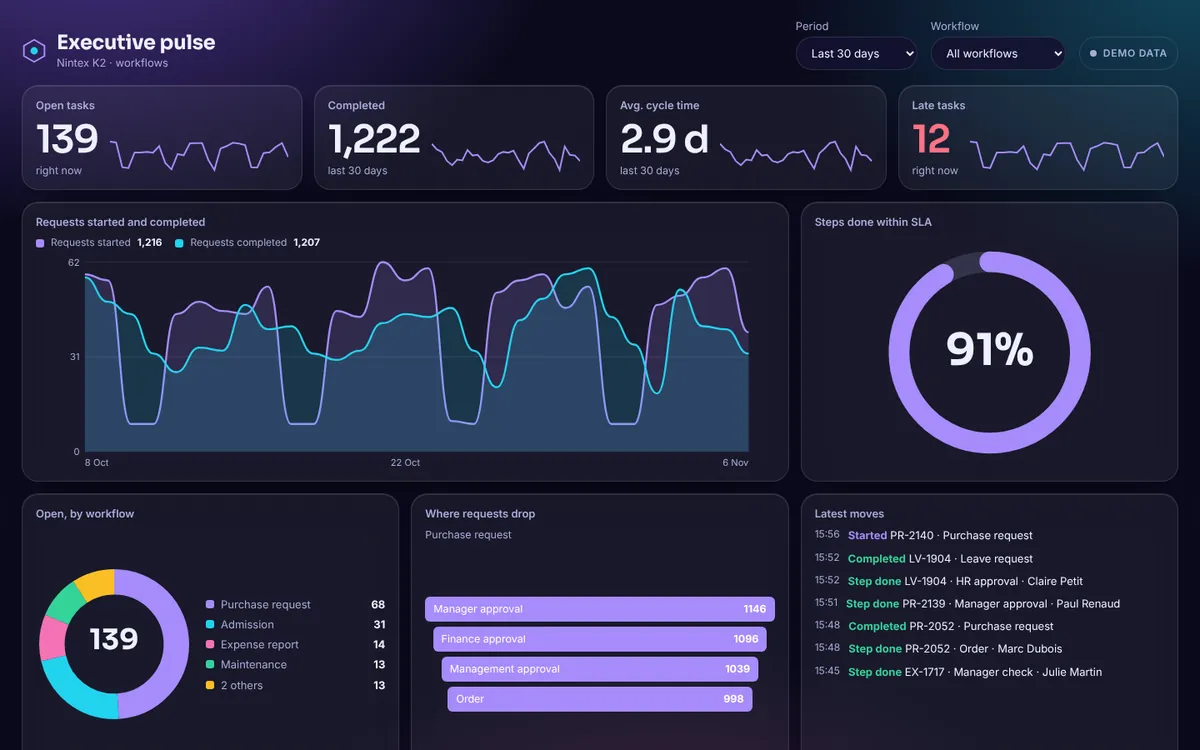
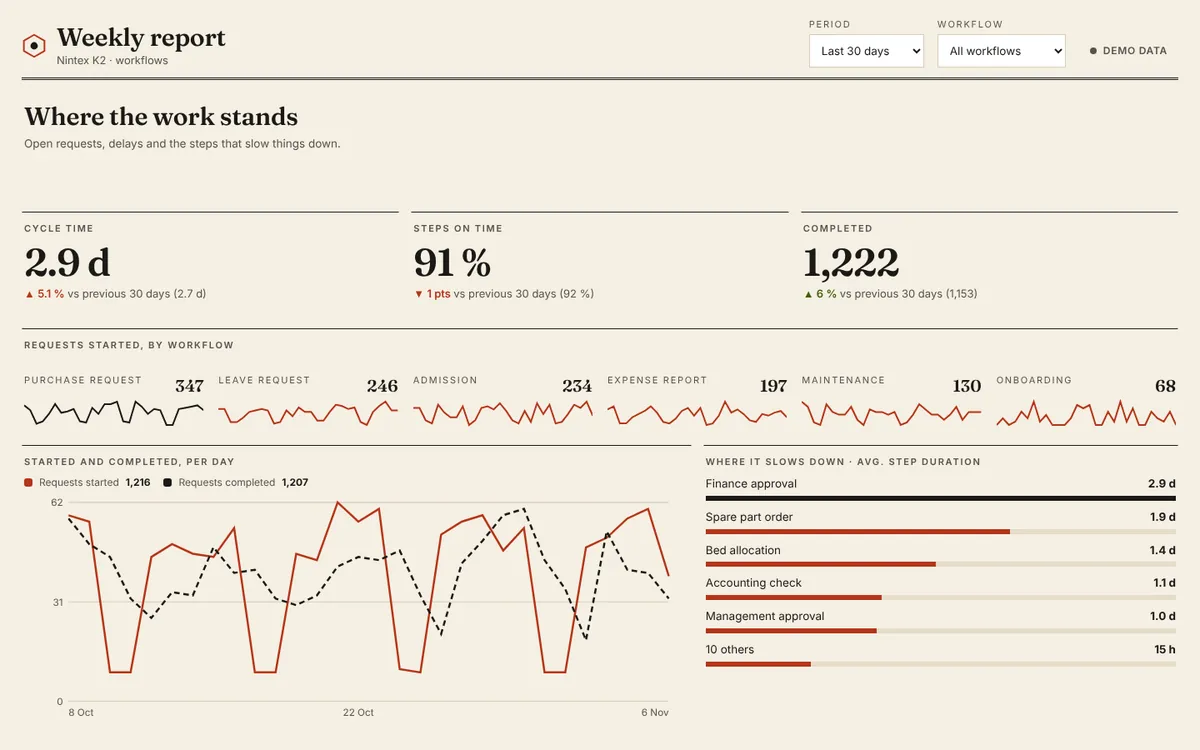
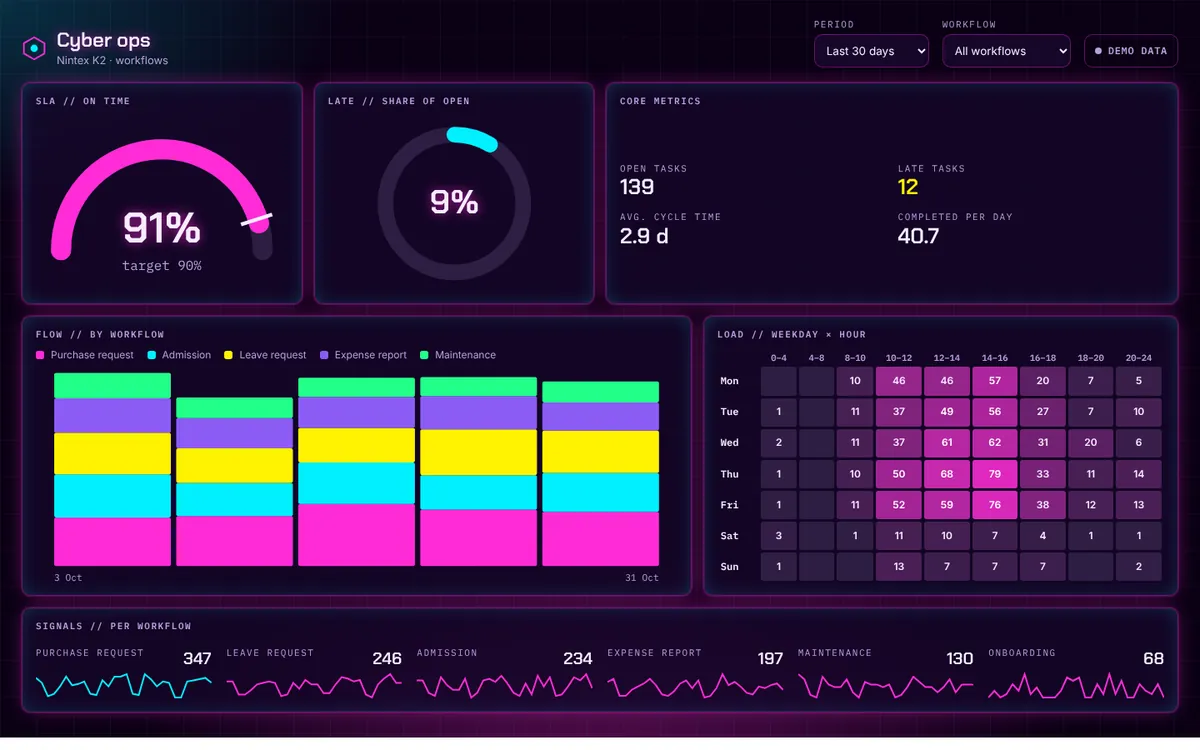
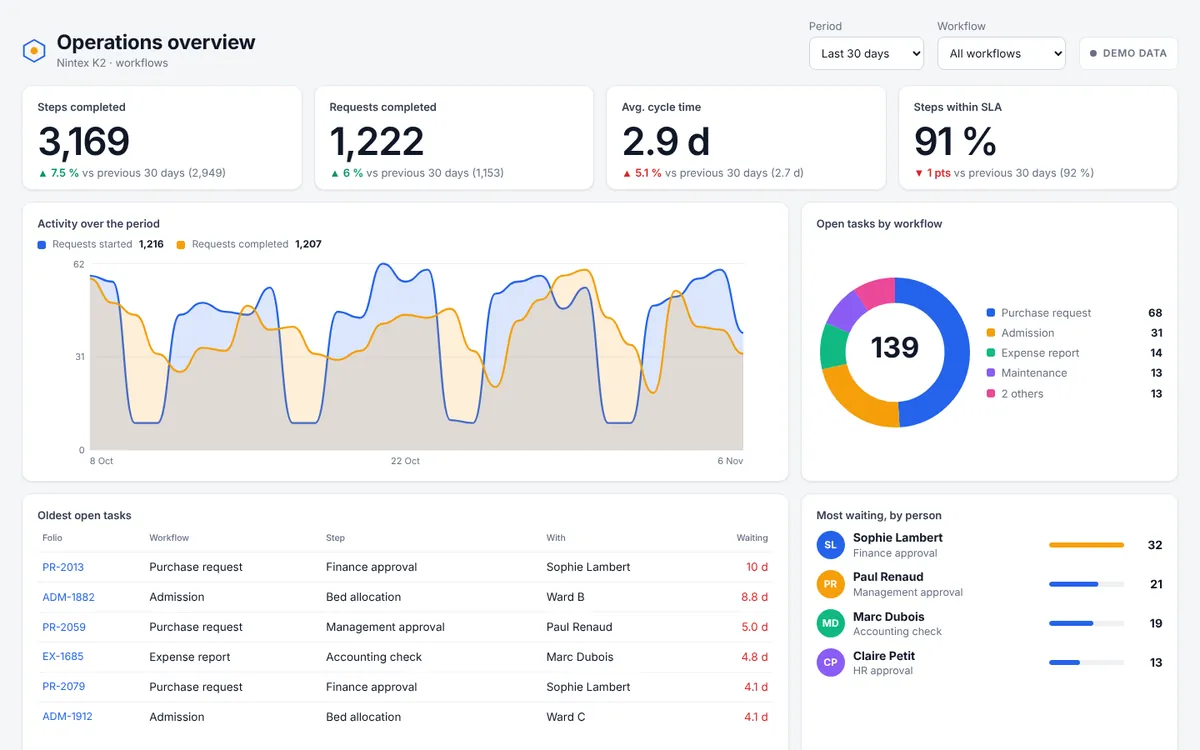
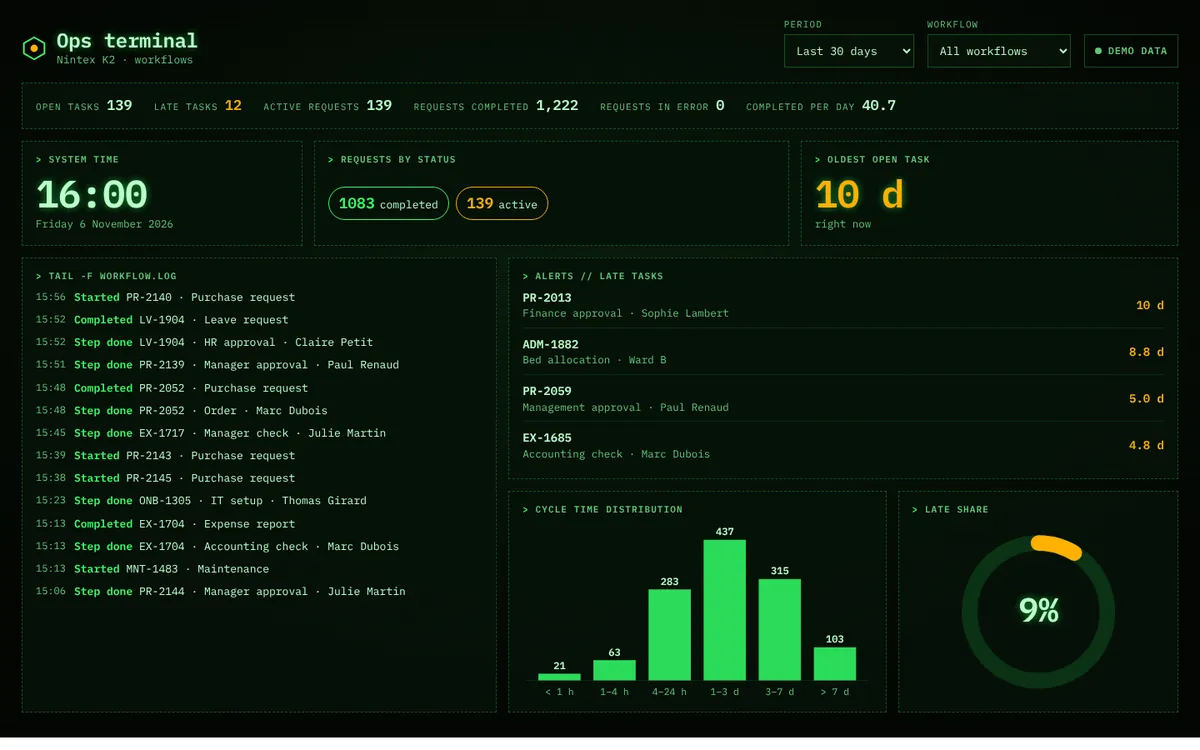
Sixteen ready-made dashboards, each one shown live with sample K2 data. Pick the one closest to your question and your style.
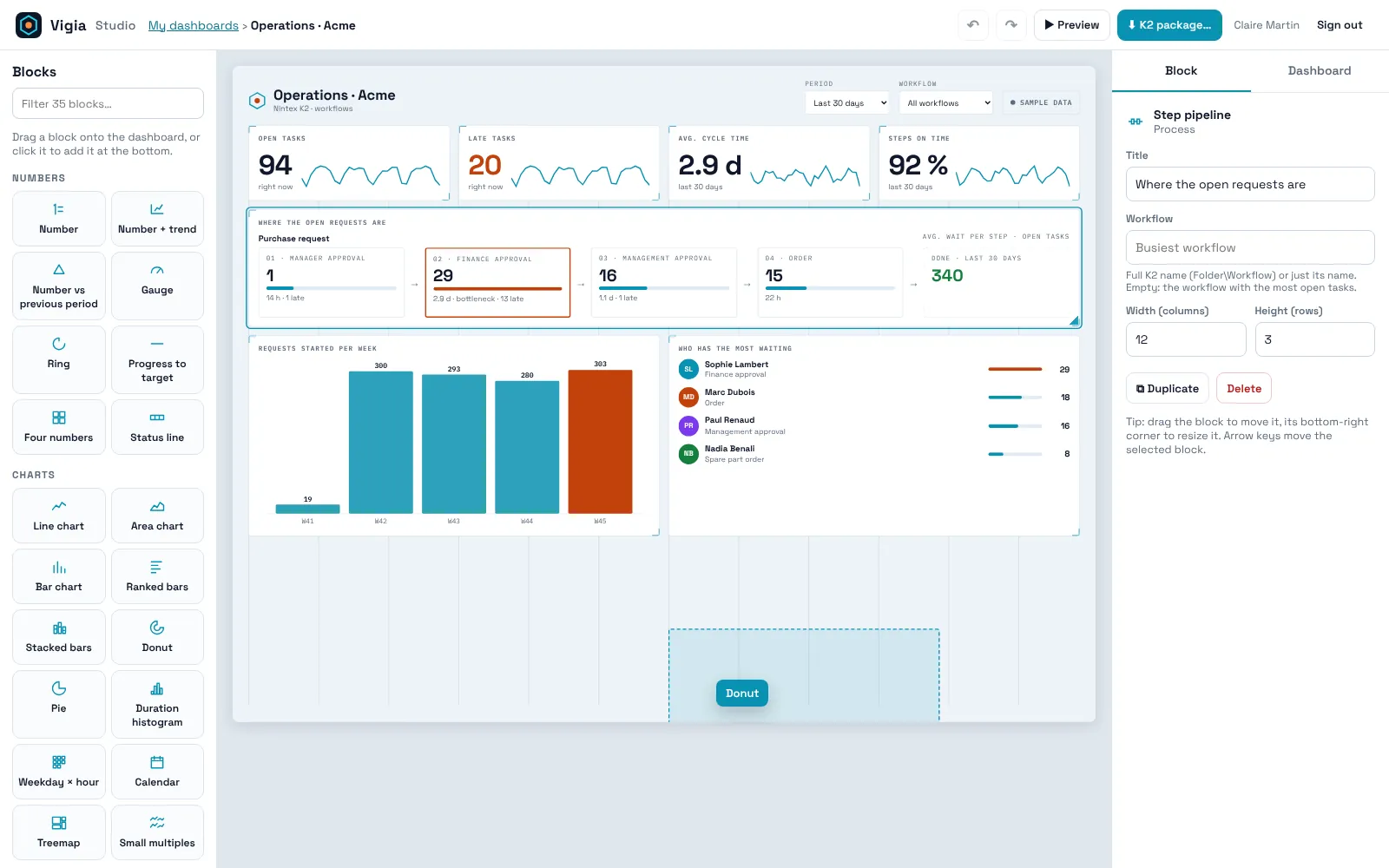
A 12-column grid, free placement. Drop a block, move it, resize it from its corner: the others make room.
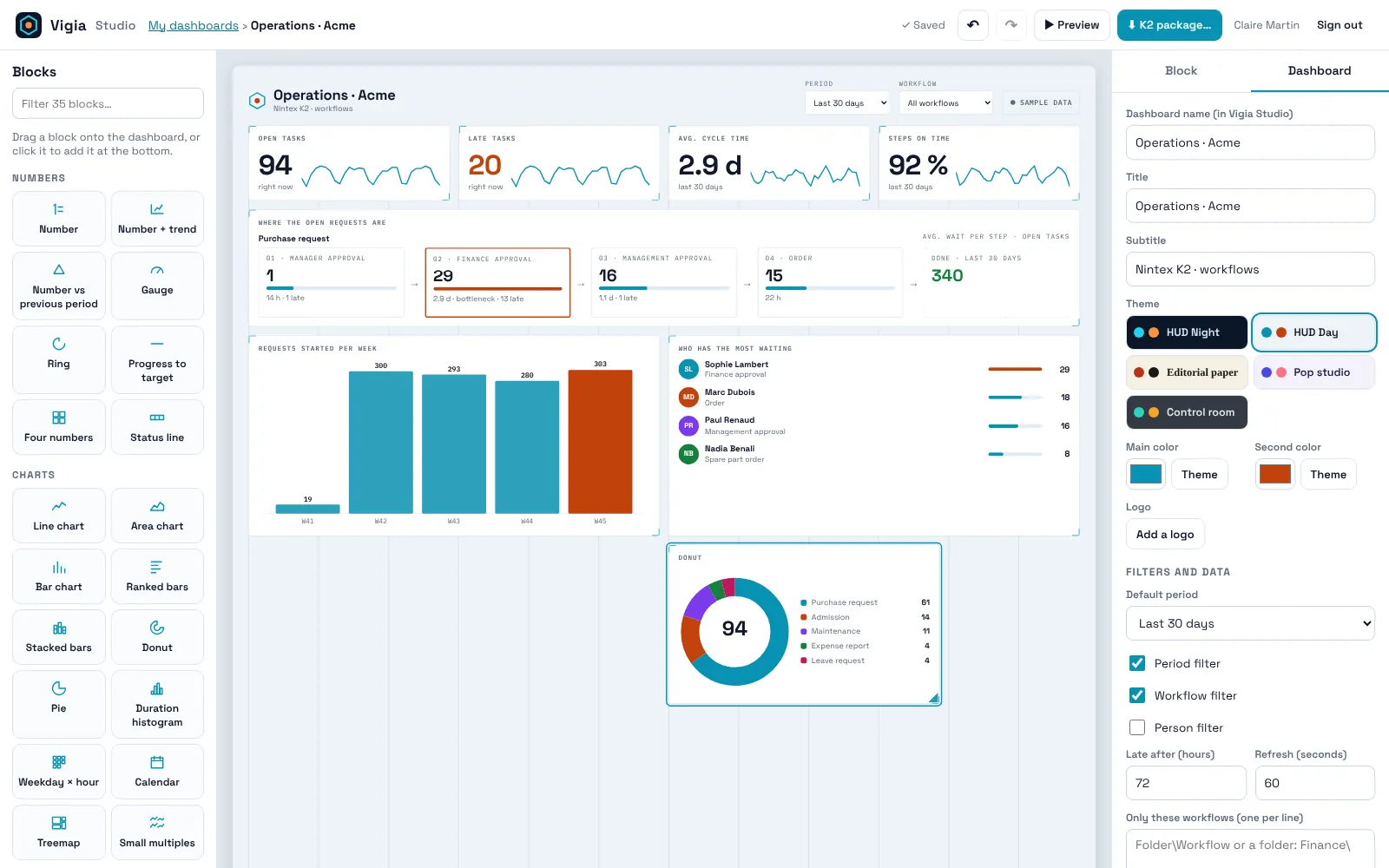
Choose what each block counts and how it groups it. Then the look: theme, two colours, your logo, the filters readers get.
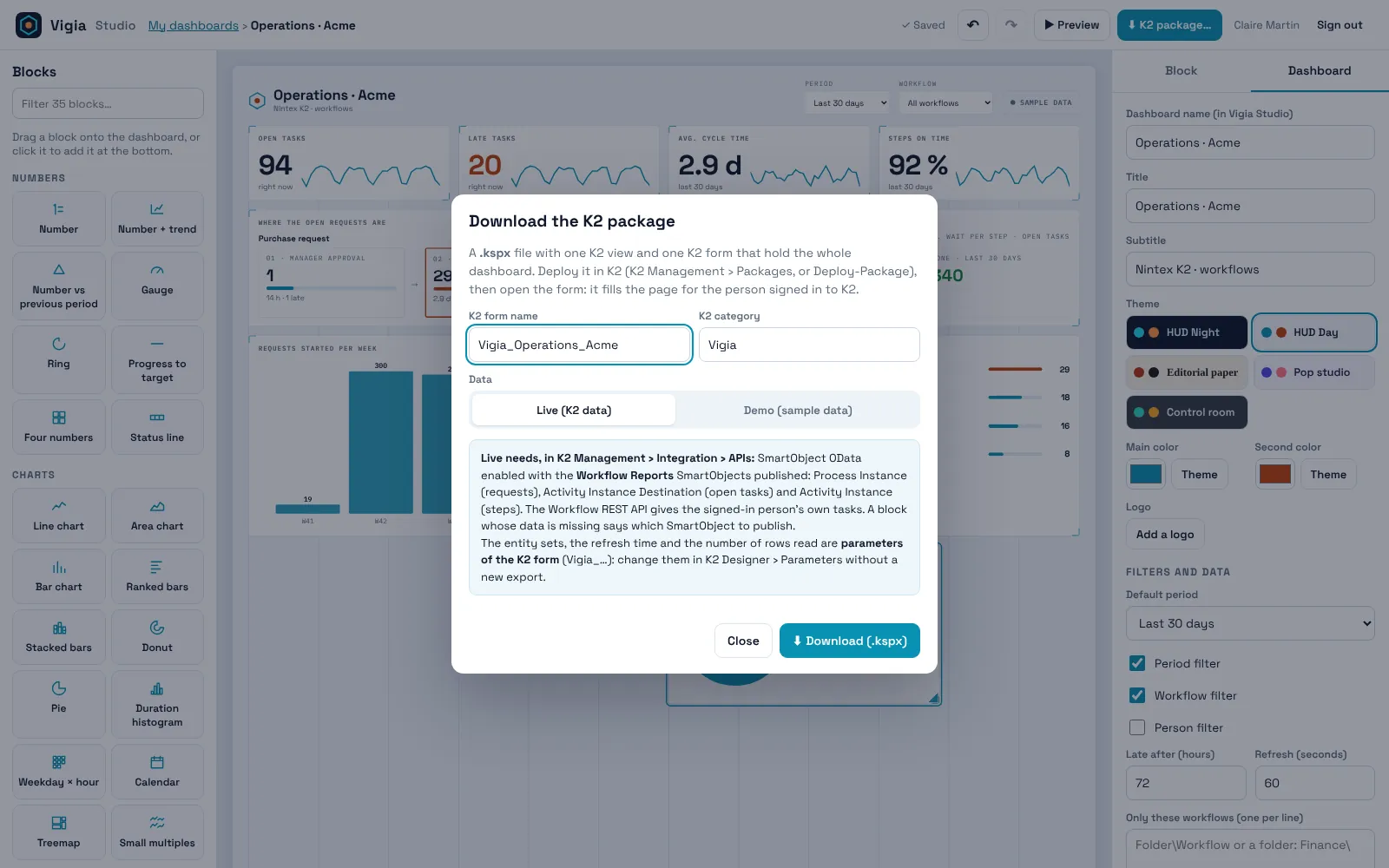
One .kspx file holds a K2 view and a K2 form with the whole dashboard inside. Deploy it in K2 Management and open the form.
15 themes
A wall screen in an operations room, a weekly page for managers, a company dashboard, a colourful board for a team. Same blocks, fifteen characters.
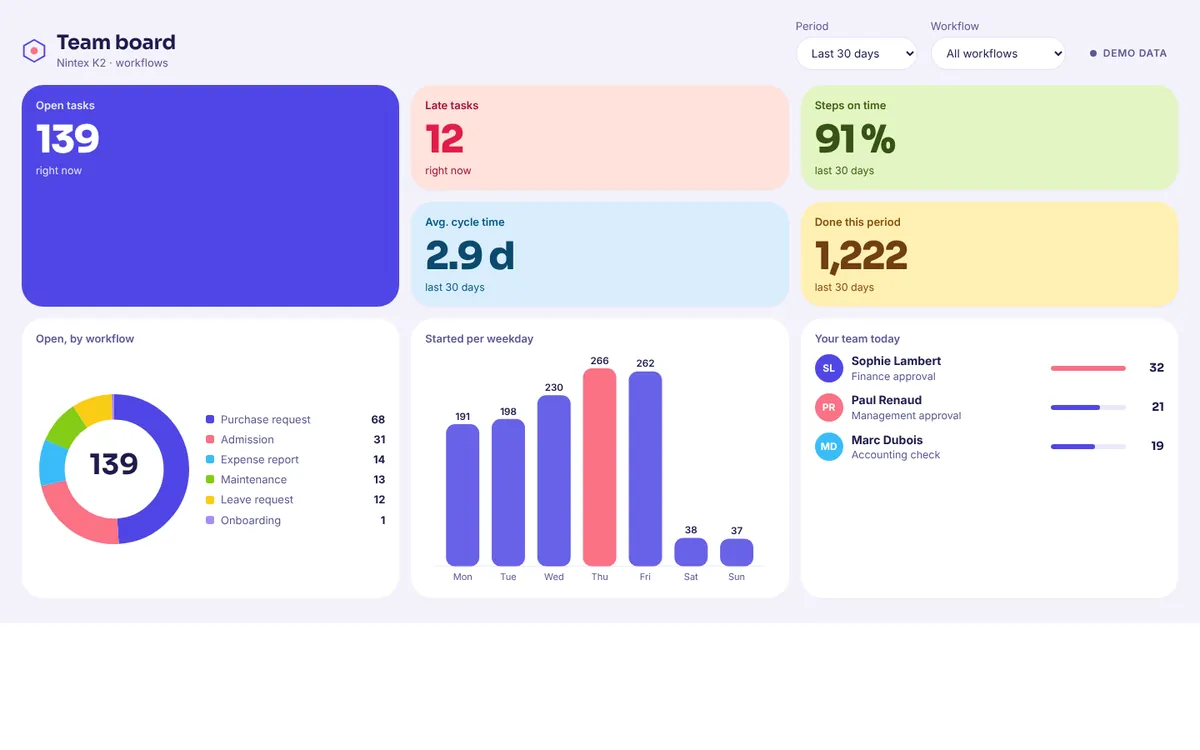
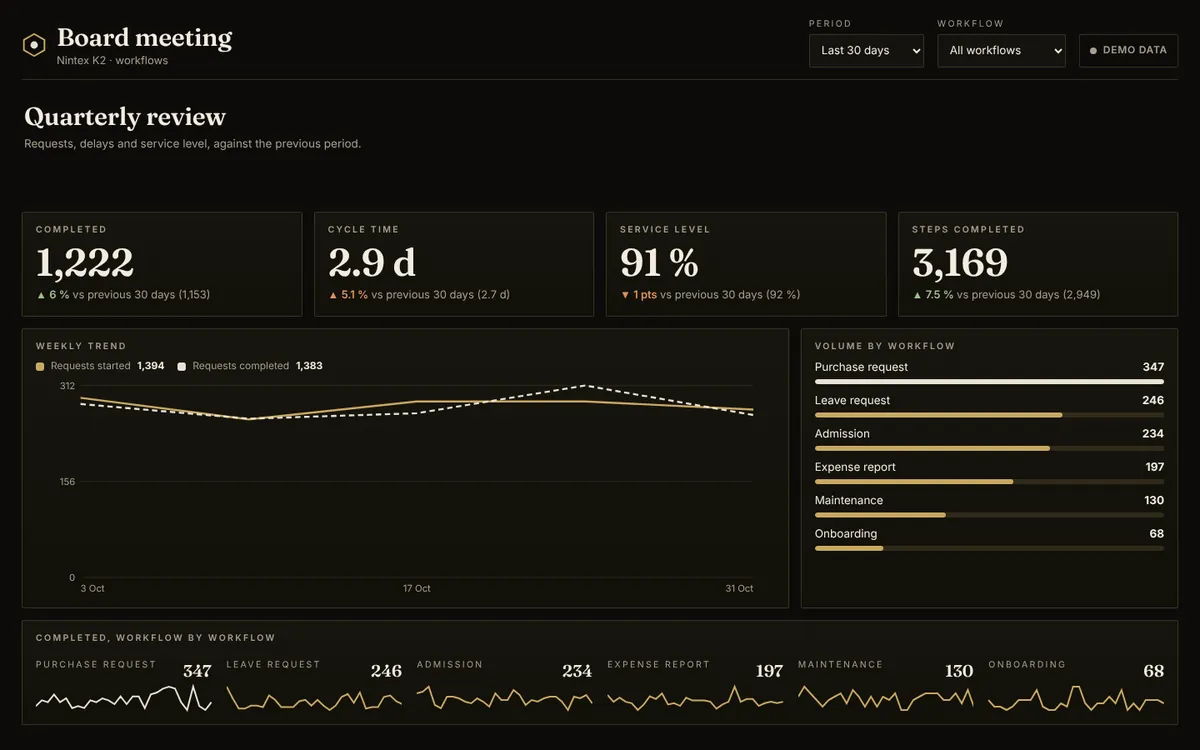
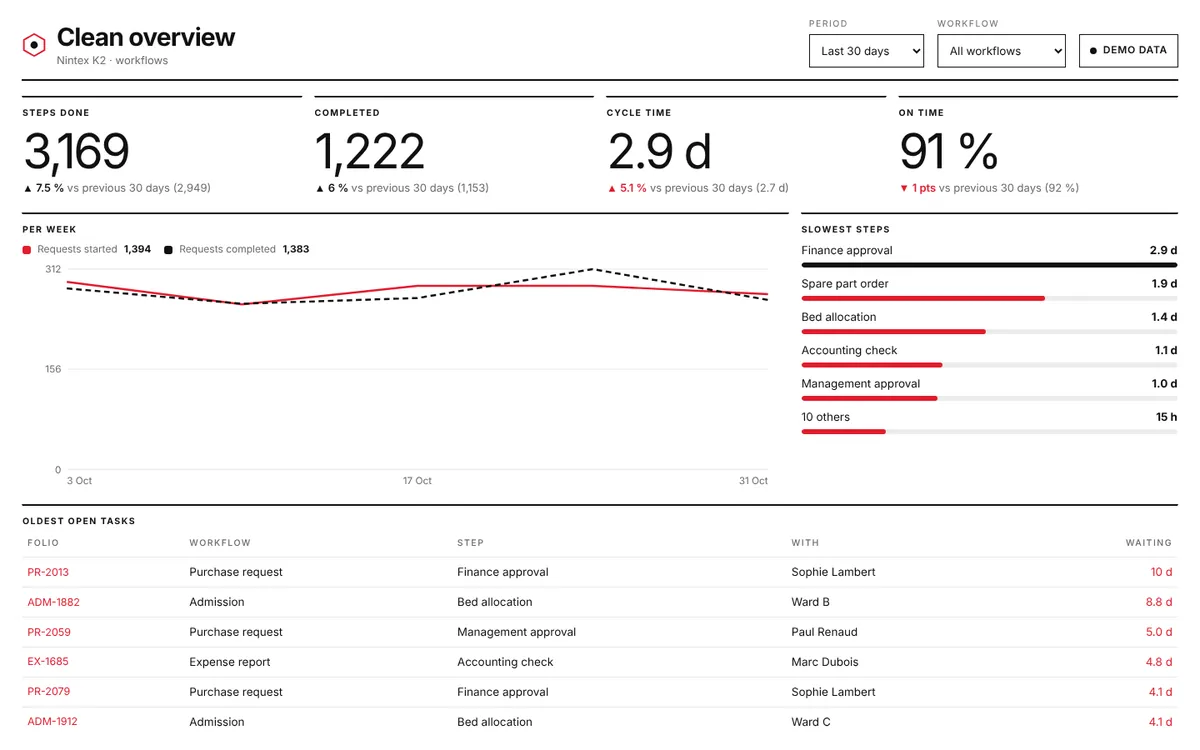
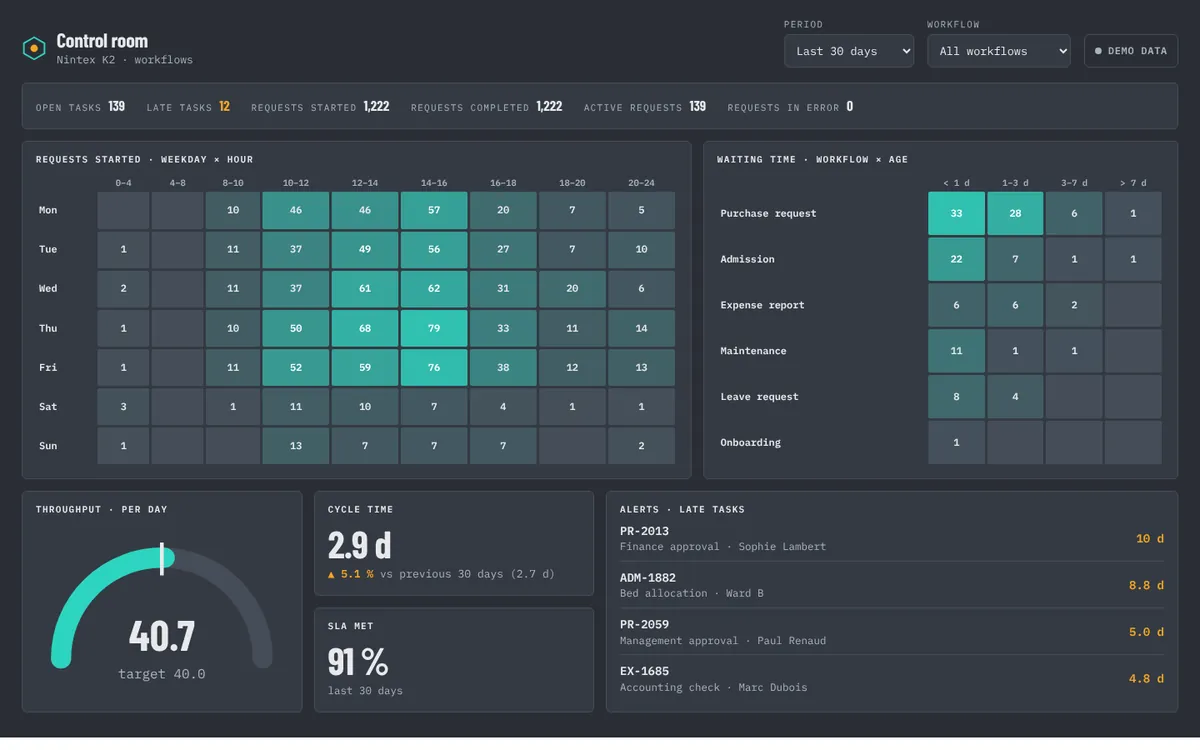
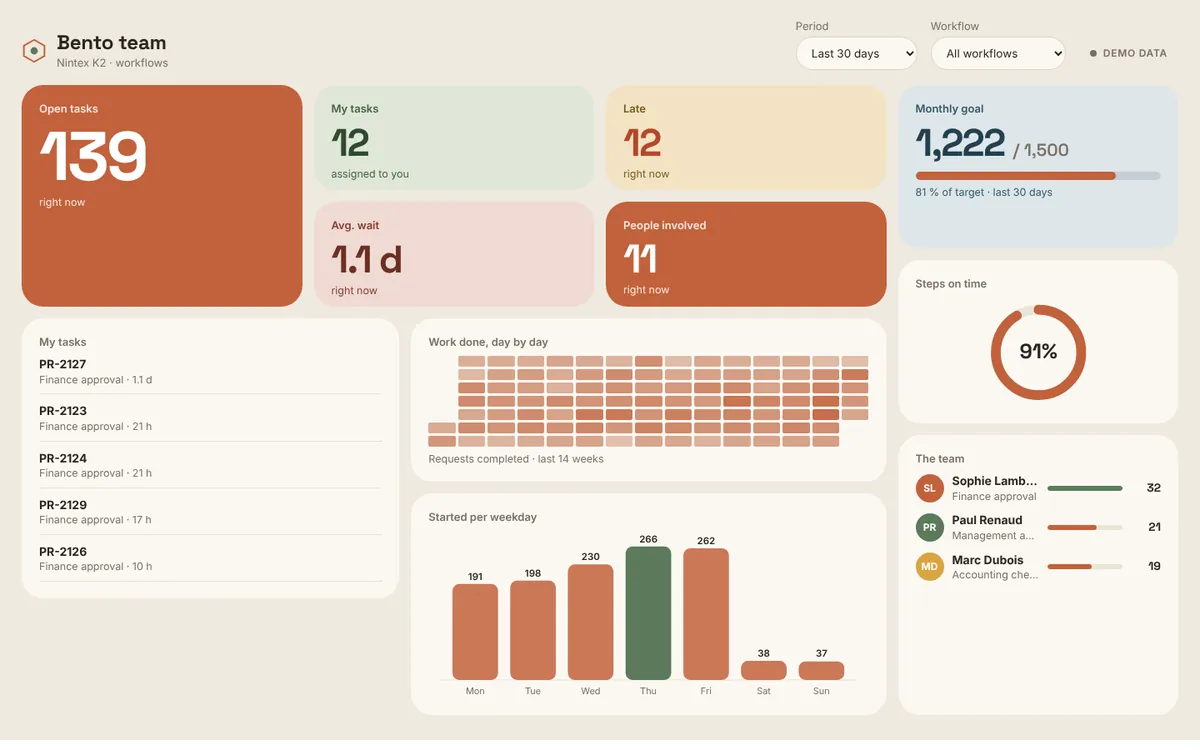
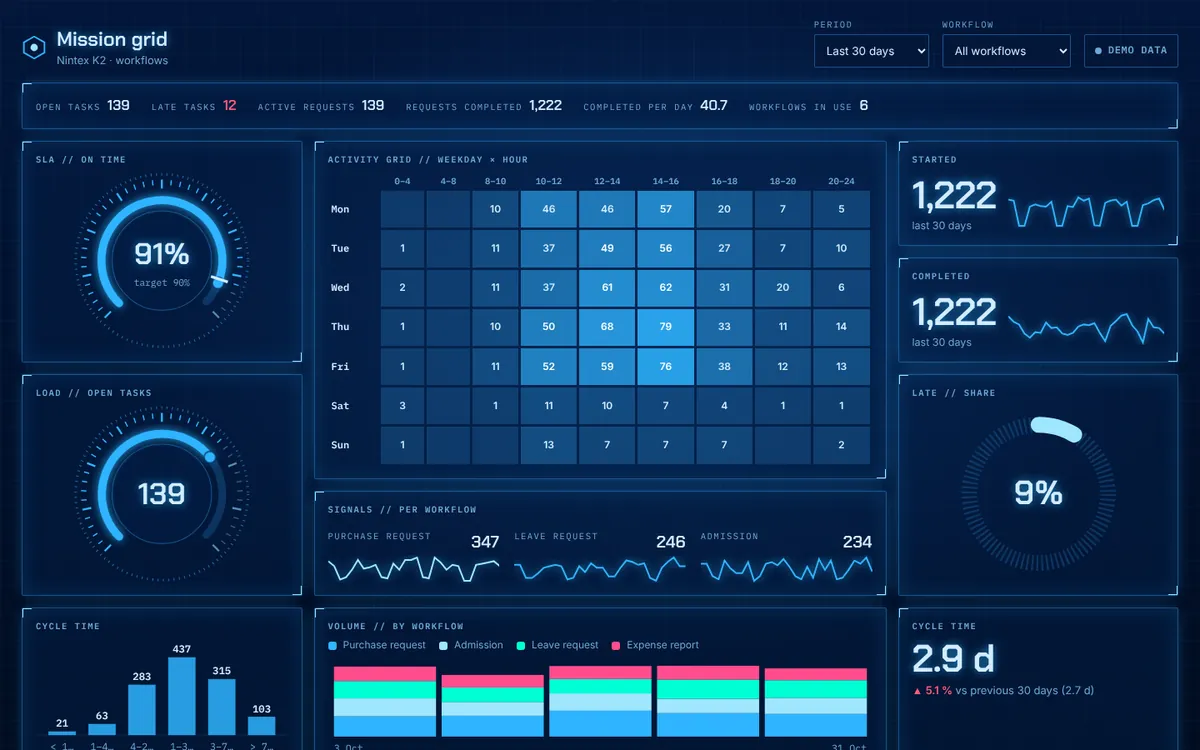
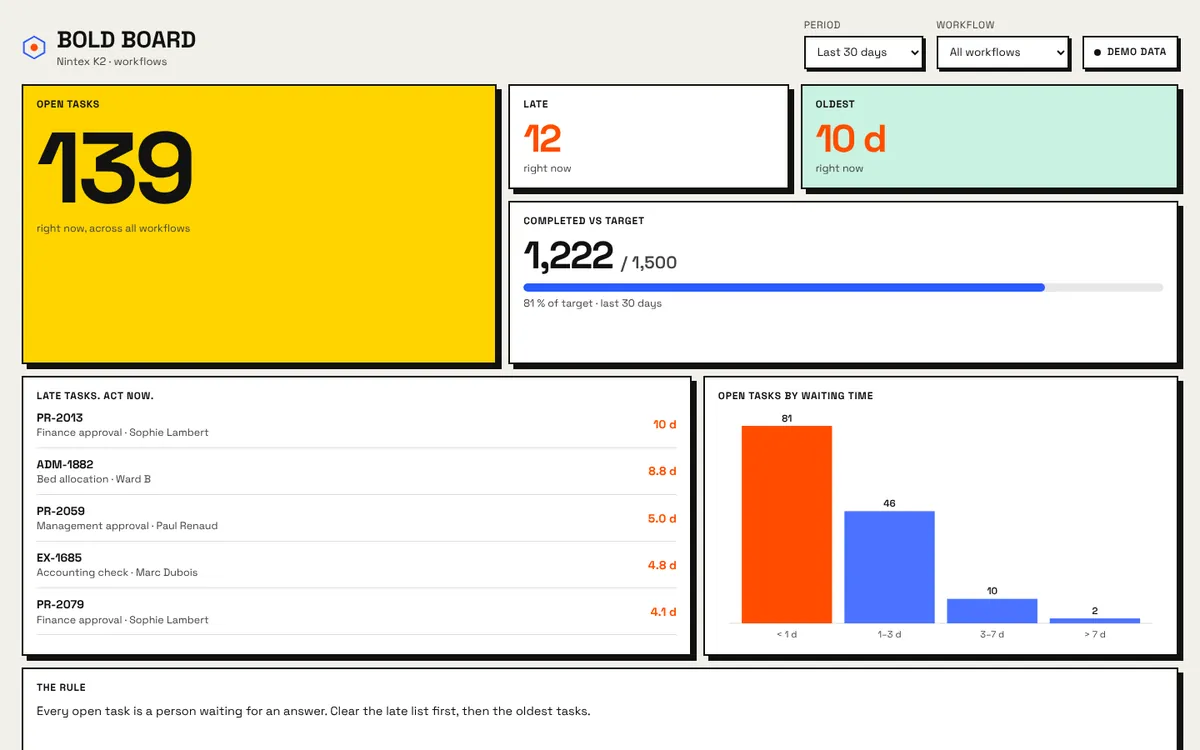
43 blocks
Each block reads requests, open tasks, steps, decisions, events, sub-workflow calls or process data, and lets you choose the measure, the grouping and the number of items.
Key figures with trends, targets, gauges and dials
Lines, bars, donuts, heat maps, ridge waves, workflow bubbles, data values
Where each workflow step stands, statuses, sub-workflow calls
Tasks, people, team scorecard and data changes
Titles, notes, your logo, K2 links
Inside Nintex K2
People open it in K2, signed in as themselves. Their browser reads K2 with their own session: no server in between, no copy of your data anywhere else.
The dashboard fills the form. K2's own styles do not apply inside it, so it looks exactly like the Studio preview.
No extra login. Vigia reads K2 with the session of the person who opens the form, so their K2 permissions apply.
Publish Process Instance, Activity Instance Destination and Activity Instance in OData. Without them, Vigia still shows the person's own tasks.
Entity sets, refresh time and row limit are parameters of the form (Vigia_…). Change them in K2 Designer, no new export needed.
Questions
A K2 server where you can deploy a package. For dashboards across all workflows, publish the three Workflow Reports SmartObjects in OData (K2 Management › Integration › APIs). Without them, the dashboard shows the open tasks of the signed-in person through the Workflow REST API.
No. Once deployed, the form reads K2 from the browser of the person who opens it, with their own session. Studio only stores the layout of your dashboards and uses sample data.
K2 decides. Vigia reads K2 with each reader's own session, so their K2 permissions on the SmartObjects apply. Someone who cannot read them still sees their own open tasks.
Change it in Studio and download the package again: the K2 view and form keep their identifiers, so deploying it updates them in place. Data sources, refresh time and row limit can be changed directly in K2 Designer.
Yes. Studio and every preview run on sample K2 data, and the package can be exported in Demo mode to show the dashboard in K2 before the SmartObjects are published.
Yes: the design guide explains every step, block and setting, with layouts to copy. It also exists as a PDF.
Your Helvia account opens Vigia Studio as well. Both export K2 packages the same way: one view, one form, three data labels.
Pick a template, arrange the blocks, download the K2 package. Your first dashboard can be running in K2 today.