Demo Open Studio→
Helvia Studio · for Nintex K2

Design your company in 3D. Run it inside K2.

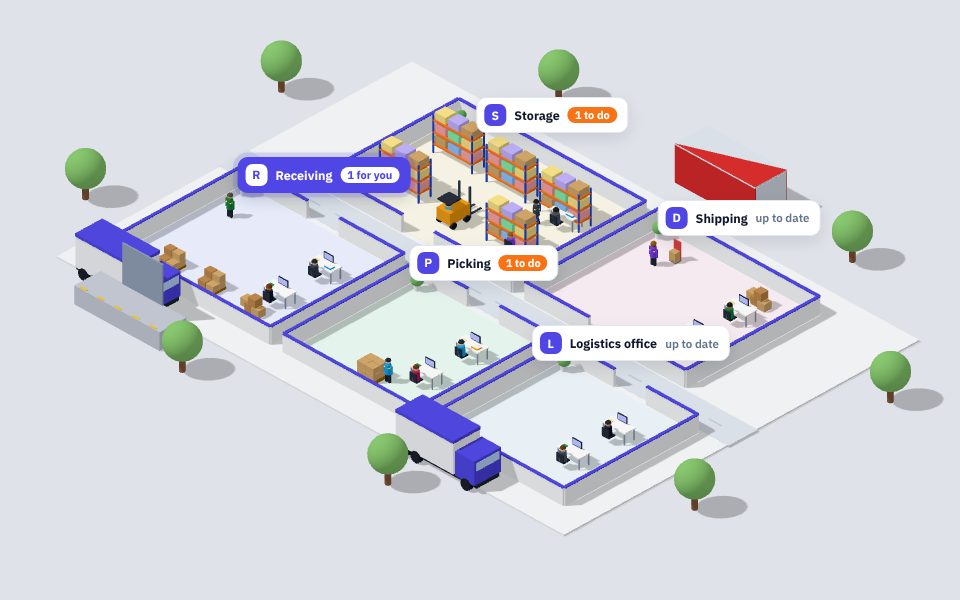
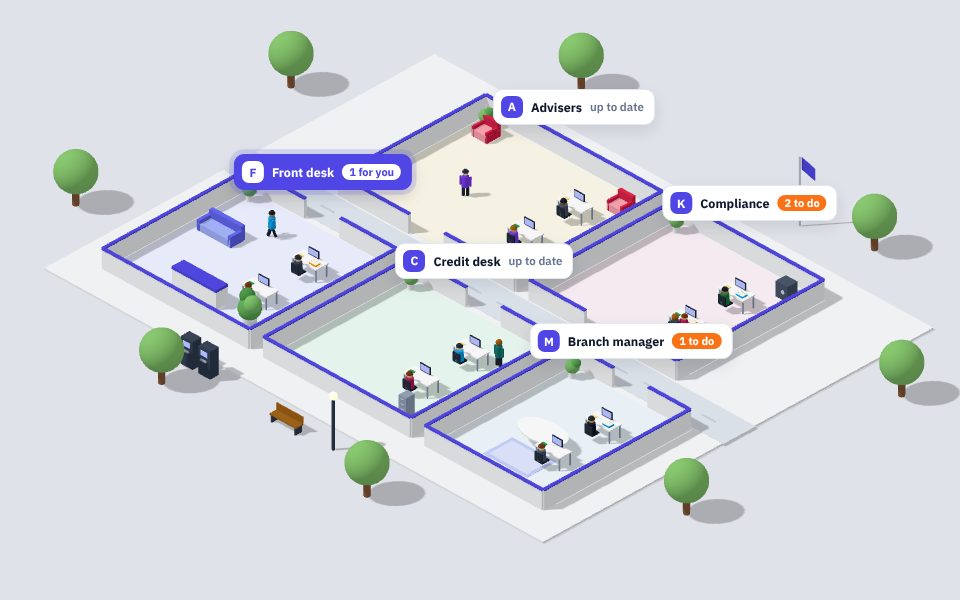
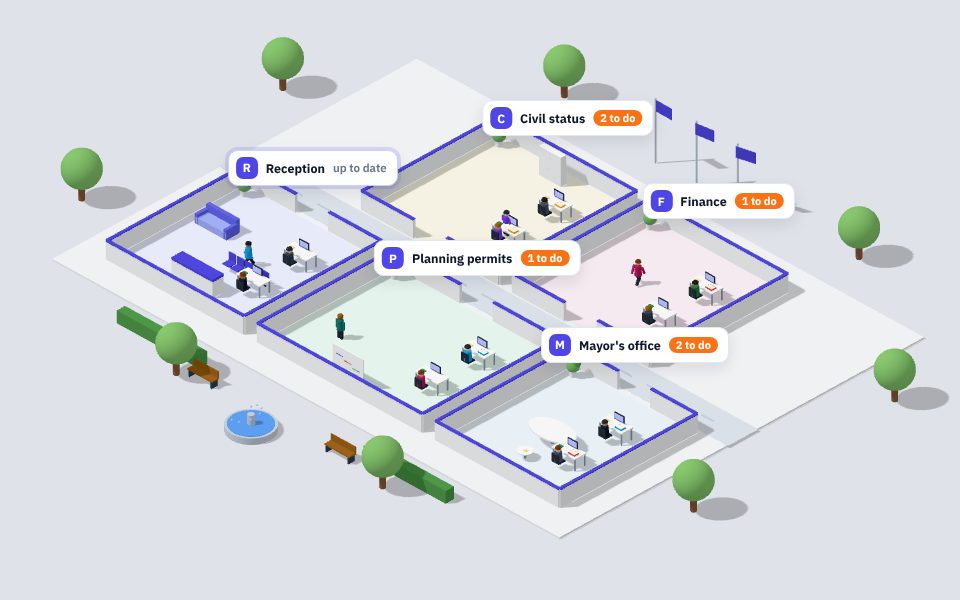
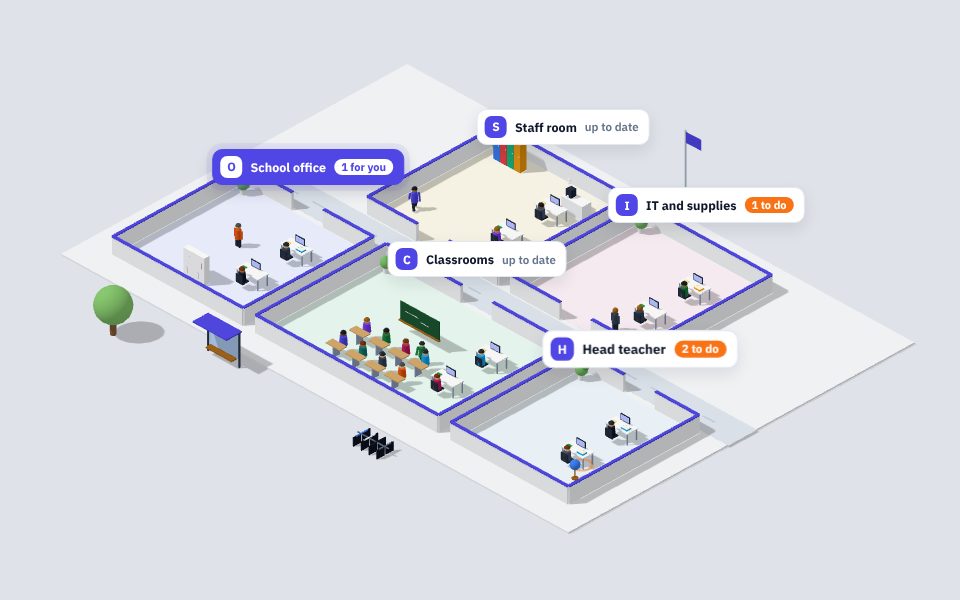
Helvia Studio turns your departments, your people and your K2 workflows into a living 3D space. Pick a template, arrange the floor, download one K2 package: everyone sees their own tasks moving through the building, right inside K2.

  • 12templates
  • 125objects
  • 4steps
  • 1K2 package

Helvia Studio

From an empty floor to a K2 form in four steps

No code and no designer to hire. You describe the company, Studio builds the space, and K2 runs it.

1

Name it, pick a template

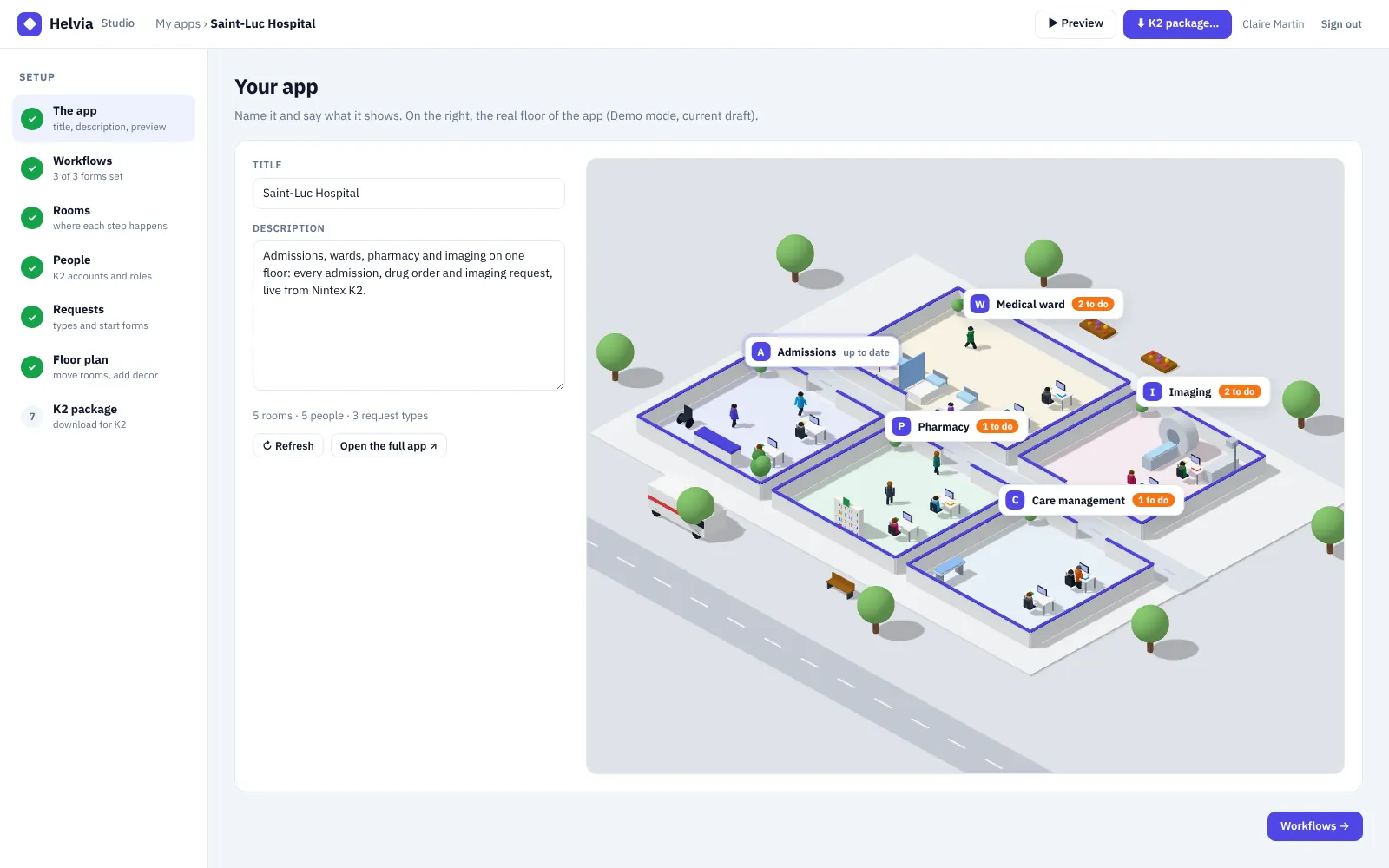
Give the app a title and a description. The real 3D floor appears next to your text and follows every change.

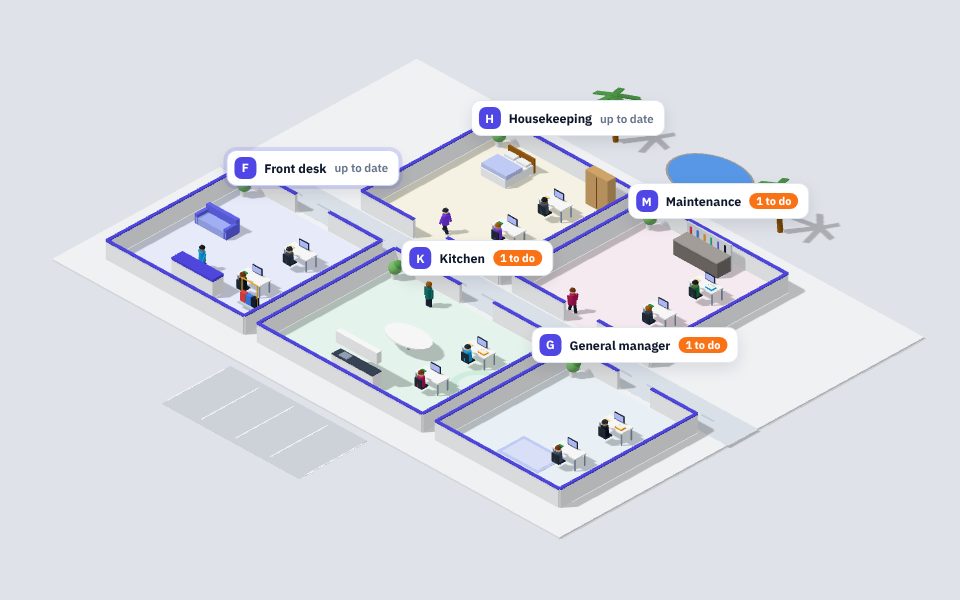
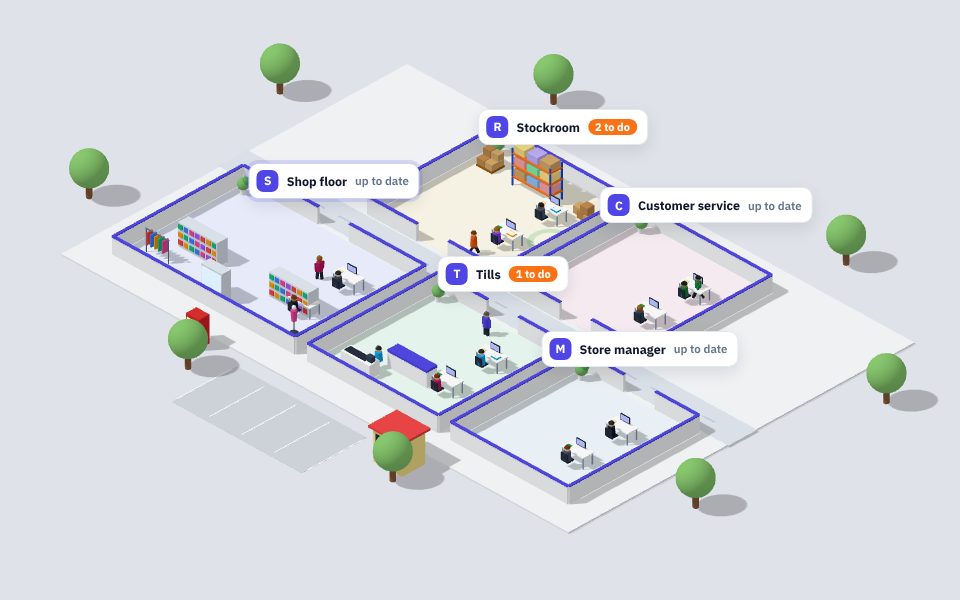
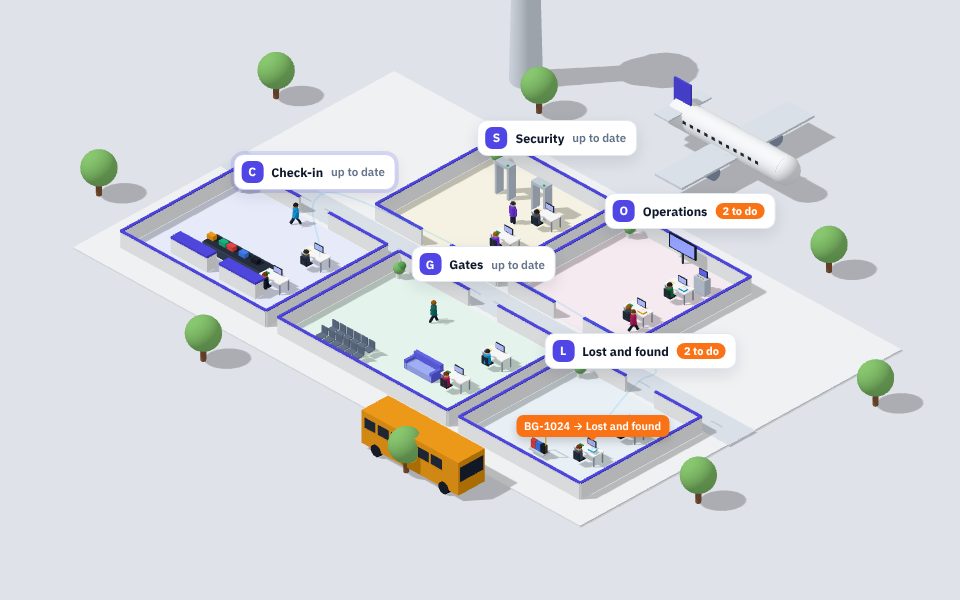
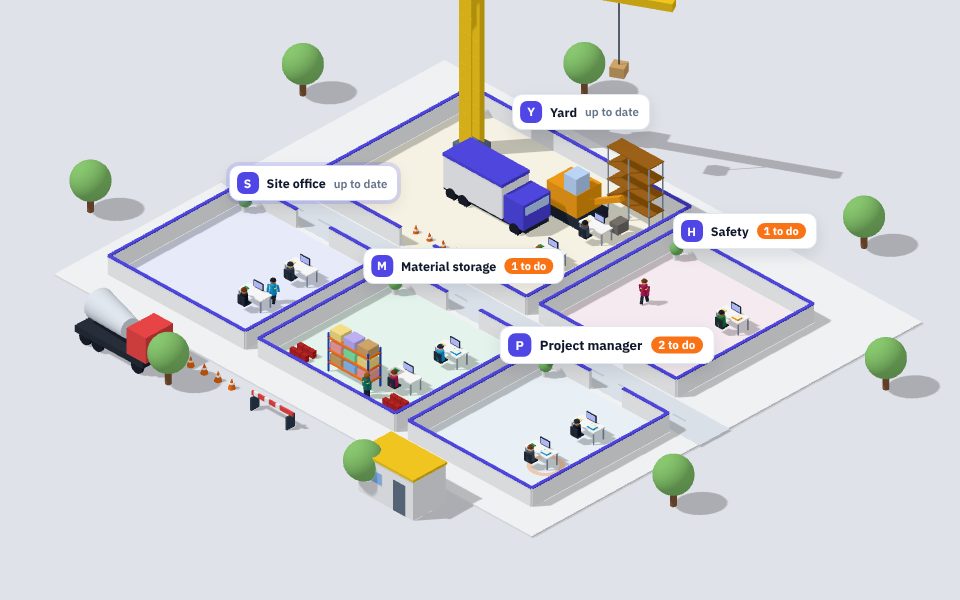
  • 12 ready-made worlds, from a bank branch to an airport
  • Rooms, people and request types already in place
  • A live preview of the floor, exactly as K2 will show it
The app
Helvia Studio, first step: title, description and the 3D floor of a hospital
2

Arrange the floor

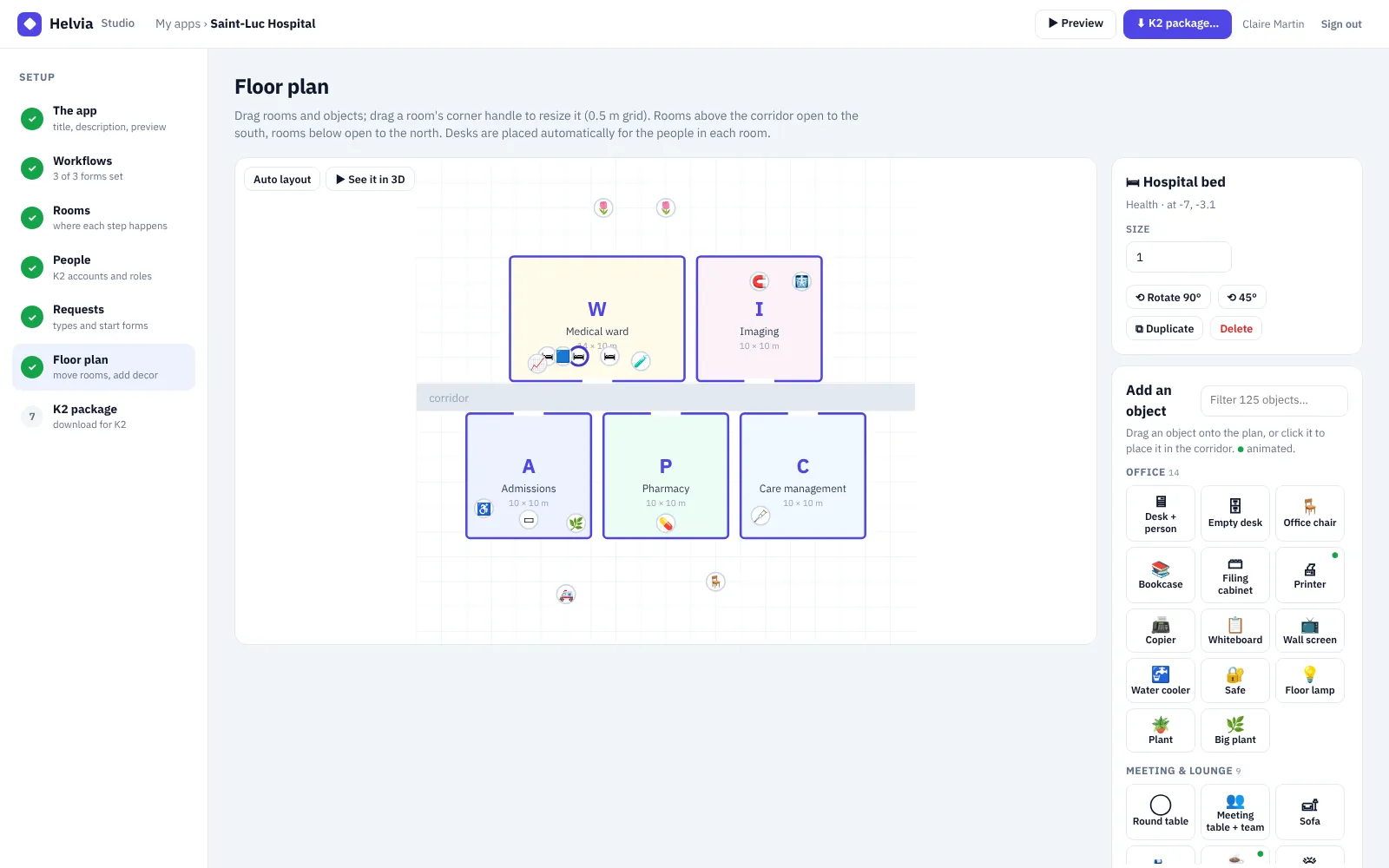
Drag the rooms, resize them on a half-meter grid, choose where the doors open. Then furnish: drop objects onto the plan.

  • 125 objects in 14 sections, with a filter to find them
  • Size, rotation and duplicate for every object
  • Desks placed for the people of each room
  • Walkers, cars, trucks and machines that move
Floor plan
Helvia Studio floor plan: rooms, objects on the plan and the object palette
3

Point to your K2 forms

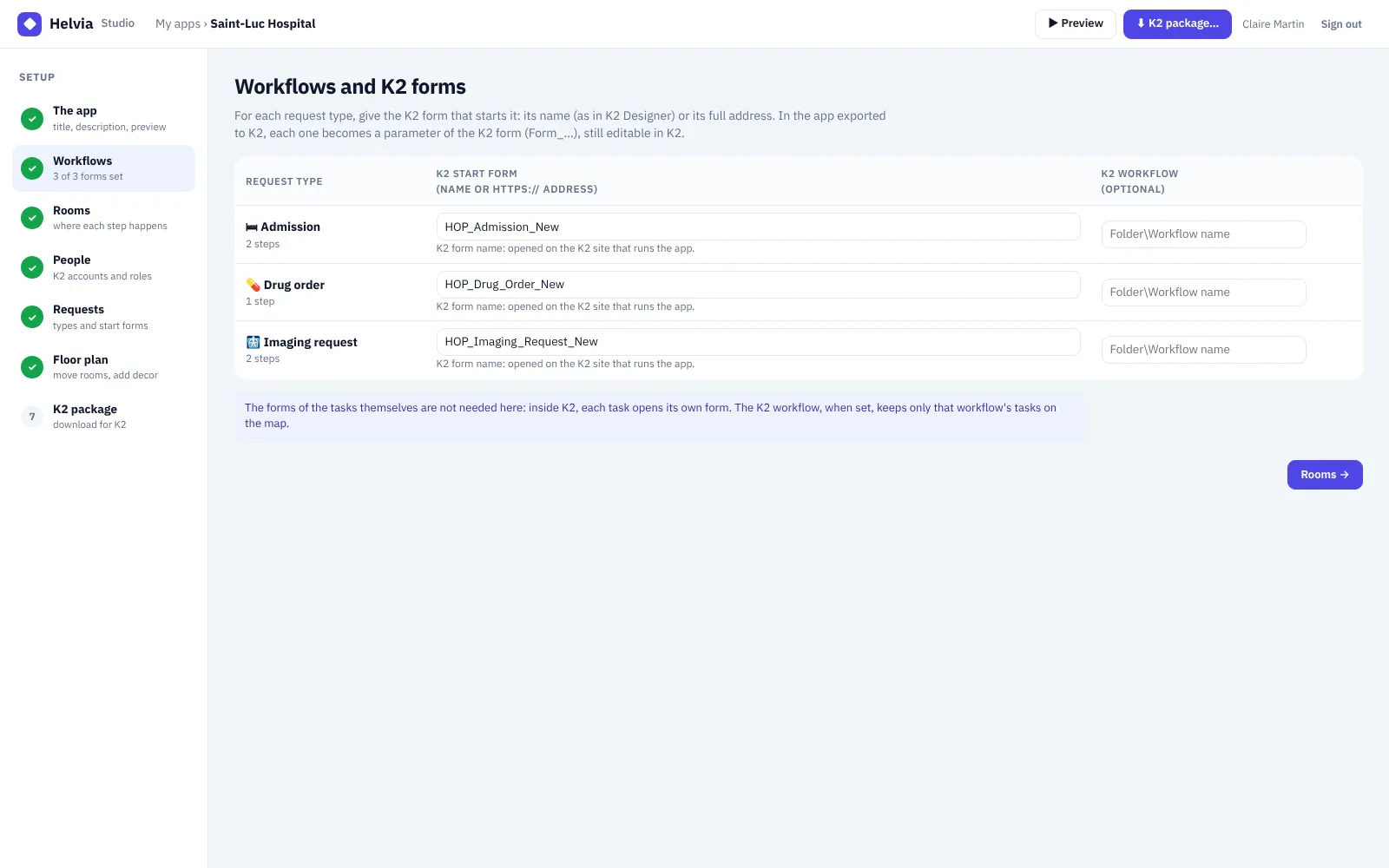
For each request type, give the K2 form that starts it. That is all Studio needs: each task already opens its own K2 form.

  • A K2 form name or a full address
  • Each one becomes a parameter of the K2 form (Form_…)
  • Change them later in K2 Designer, without a new export
Workflows and K2 forms
Helvia Studio: one K2 start form per request type
4

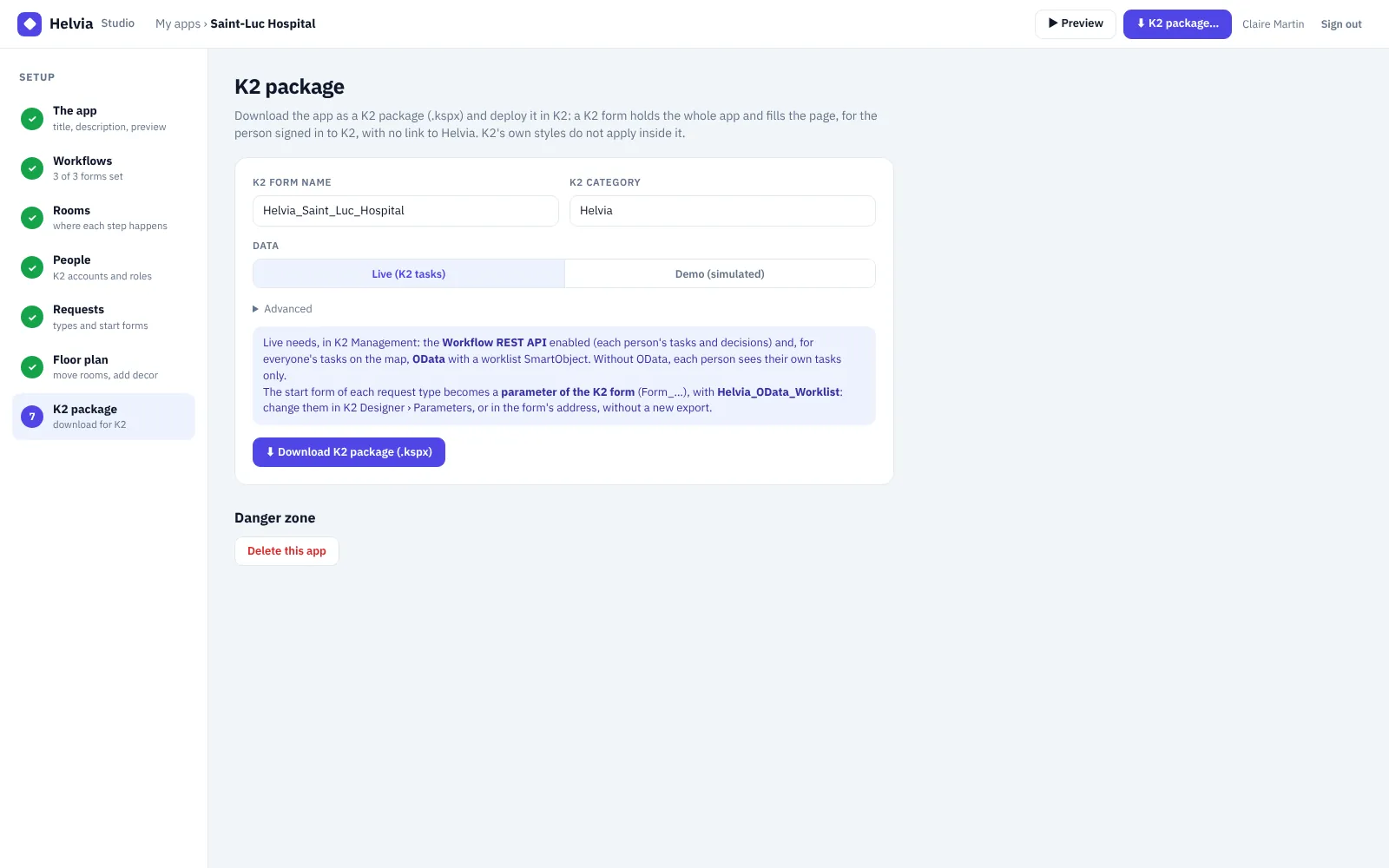
Download the K2 package

One .kspx file holds a K2 view and a K2 form with the whole space inside. Deploy it in K2 Management and open the form.

  • Live: real K2 tasks, or Demo: simulated requests
  • Opens for the person signed in to K2, with no link back to Helvia
  • HTML, CSS and JS in three data labels you can read in K2
K2 package
Helvia Studio: download the K2 package (.kspx)
Start building → Sign up with your email · your first app in a few minutes · read the design guide

Objects and life

Fill the space until it feels like your company

Desks and printers, hospital beds and scanners, conveyors and forklifts, parking lots and trees. Twelve of them are animated.

🖥Office 14 ☕Meeting & lounge 9 🌳Nature 9 🏙Outdoor & city 12 ⚙Factory 15 📦Warehouse & logistics 8 🚚Vehicles 8 🩺Health 9 🛒Shop & café 9 🛏Hotel & home 6 🎓School & public 6 ✈Airport 5 🏗Construction 8 🪧People & signs 7

Scene life, set per app

  • 0–40people walking
  • 0–12cars on the road
  • 0–4trucks
  • ×0.25–3speed
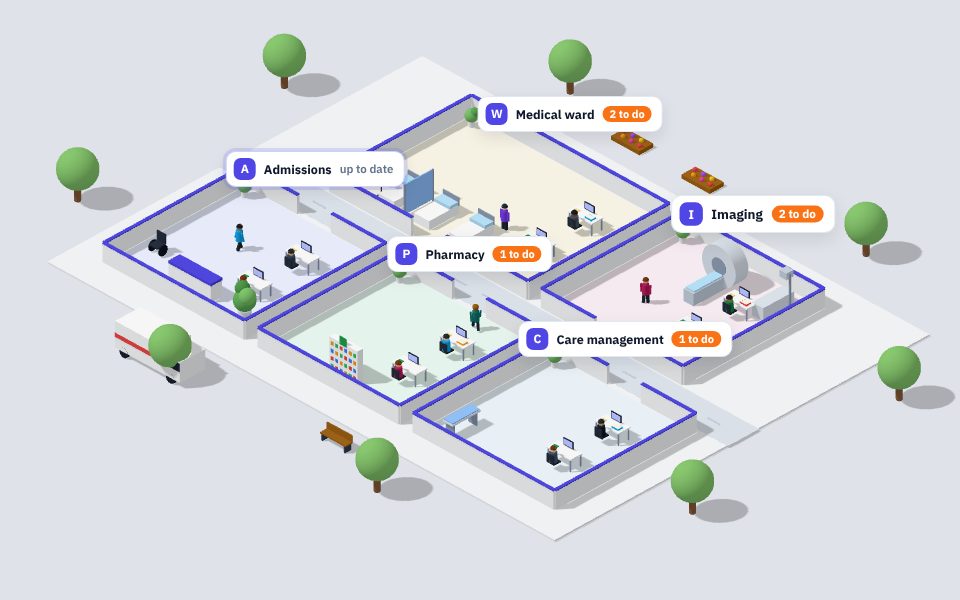
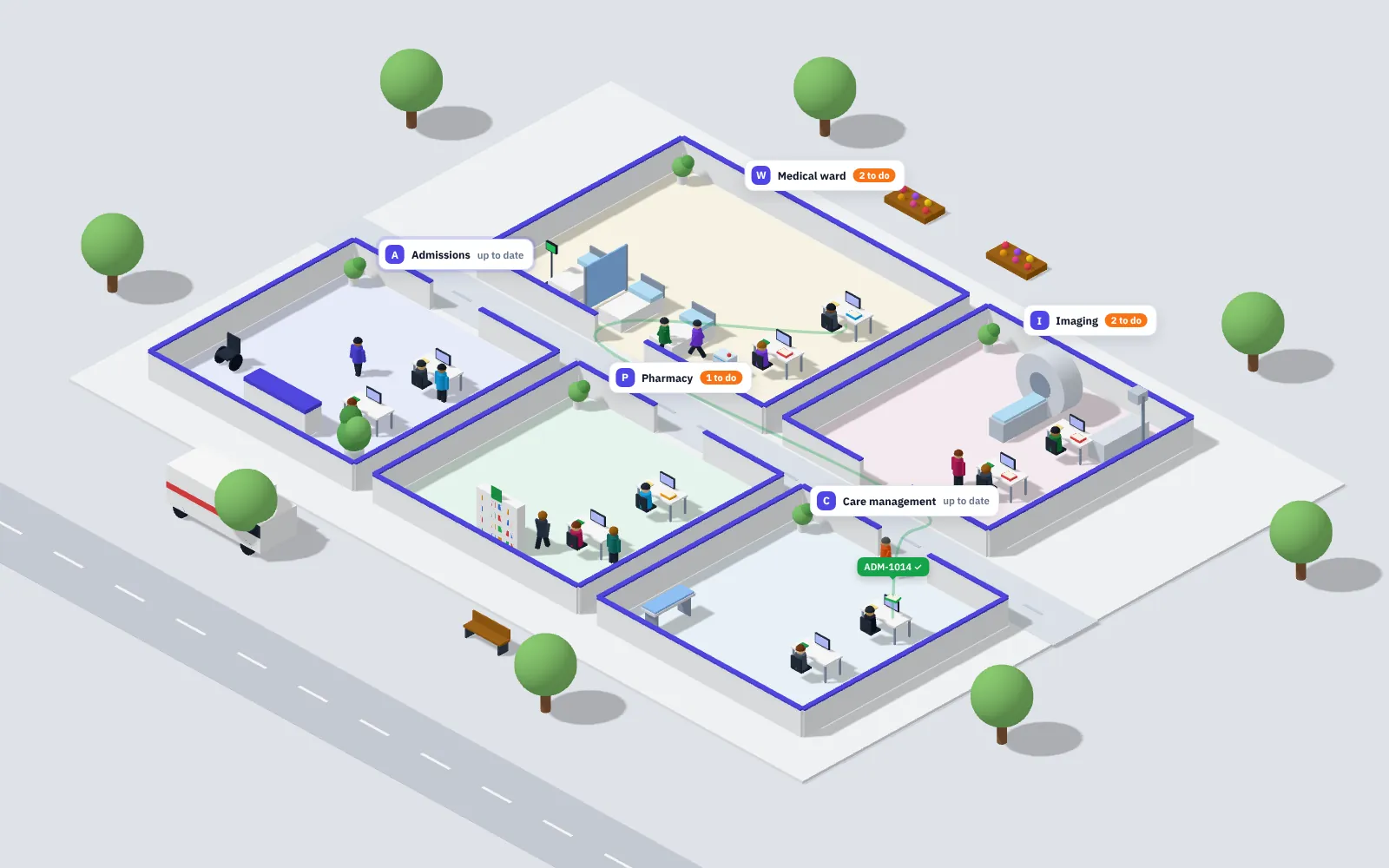
Saint-Luc Hospital · 3D
The 3D space of a hospital built in Helvia Studio

Inside Nintex K2

No new tool. It runs where the work already is.

The app built in Studio is a K2 form. People open it in K2, signed in as themselves, and act on their real tasks.

◆

One K2 form

The whole space fills the form. K2's own styles do not apply inside it.

👤

The signed-in person

No extra login: Helvia uses the K2 account and reads that person's tasks with the Workflow REST API.

🗺

Everyone's tasks

With an OData worklist SmartObject, the map shows every department's open tasks. Without it, each person sees their own.

📝

Your real K2 forms

A task opens its own K2 form in place; decisions are made with the form's buttons, as usual.

Helvia Studio→.kspx package→K2 Management › Packages→K2 form Helvia_…→Workflow REST API · OData

See it running first

Two demos, already busy

Sample requests move from room to room. Pick a person, open a task, follow a folder from its first room to its last.

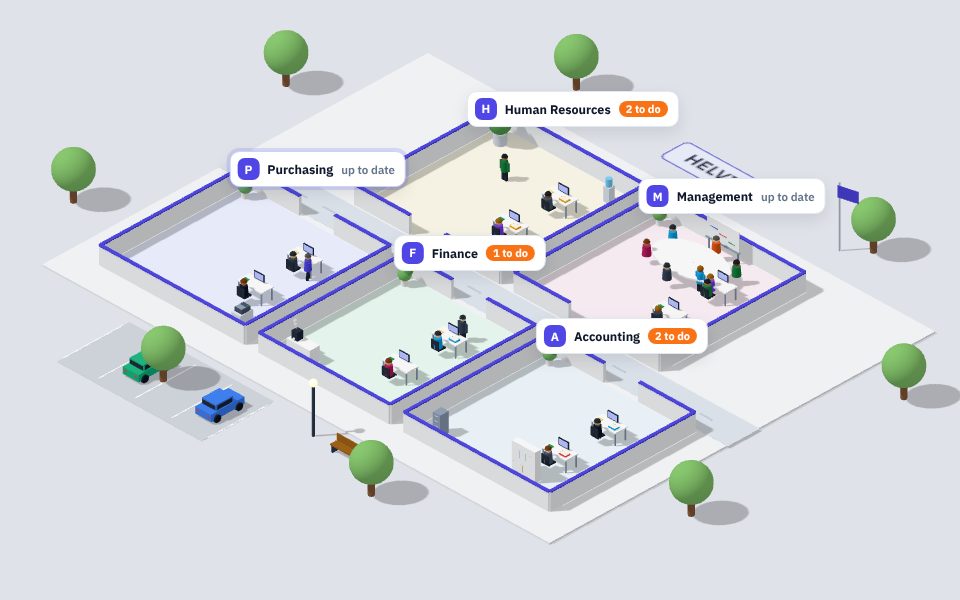
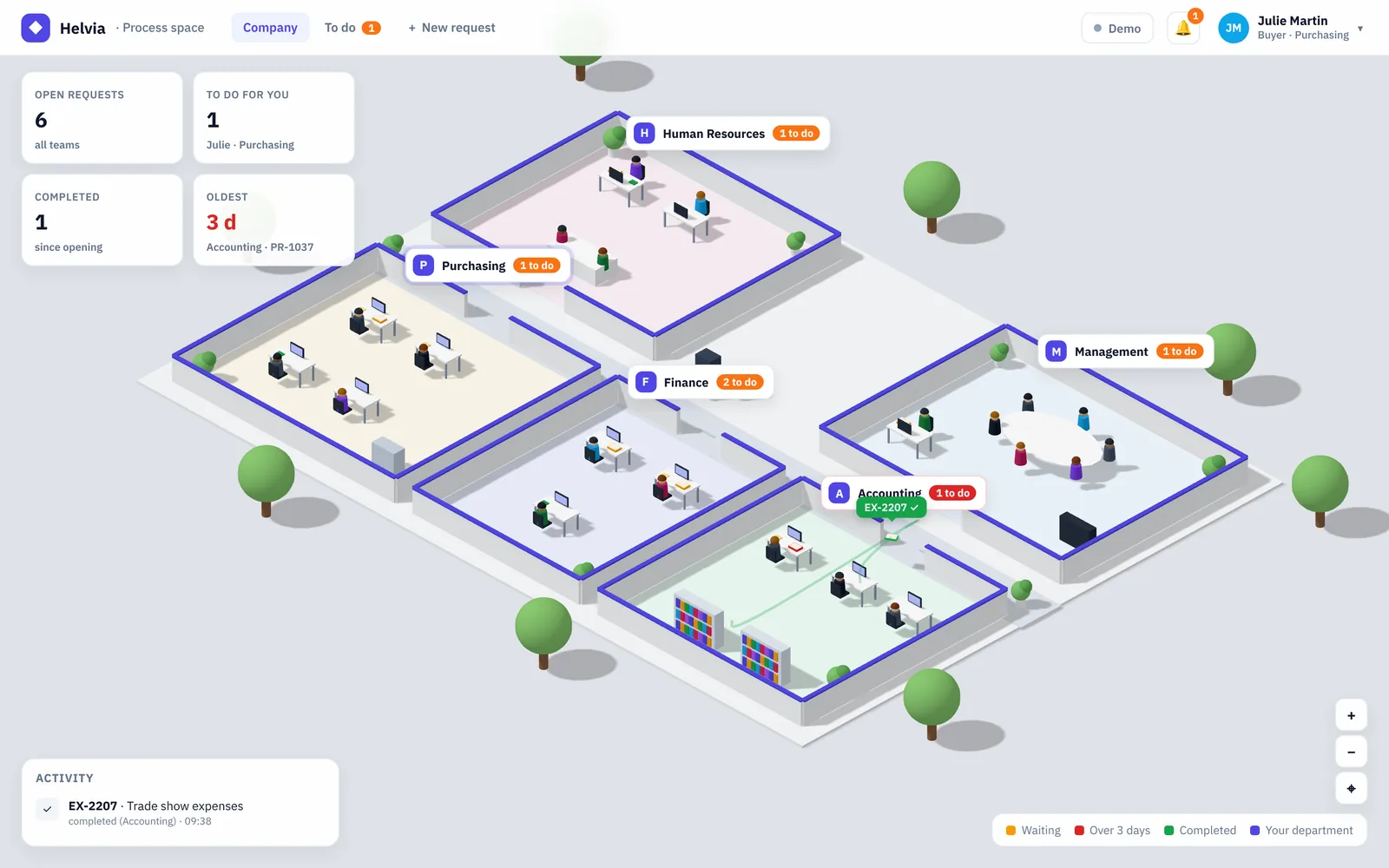
Helvia office demo: five departments in 3D with their open requests Demo 1 Open →
◆

Offices

Purchasing, Finance, Management, Accounting, HR
Purchase requests, leave requests and expense reports travel between five departments around a corridor.

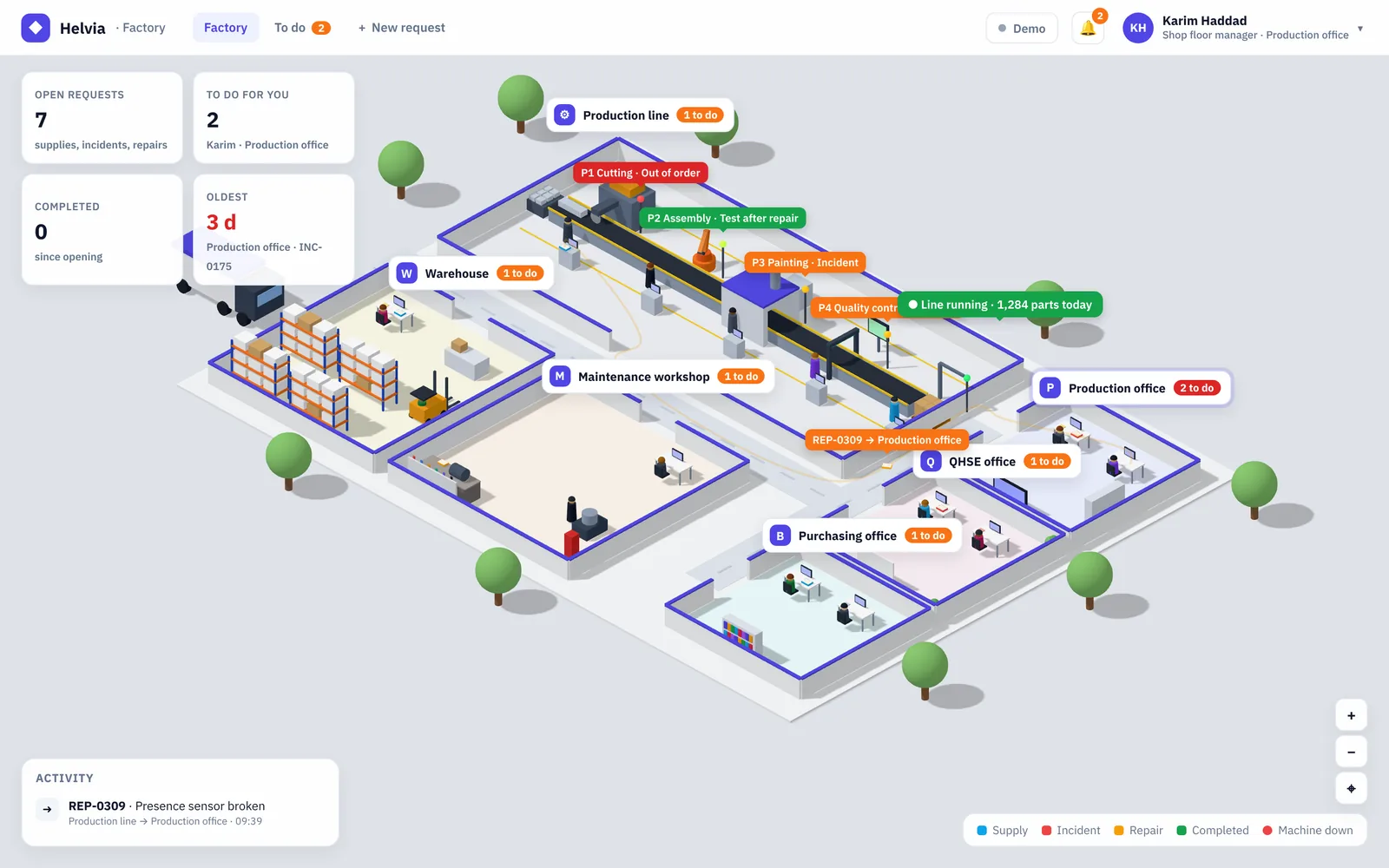
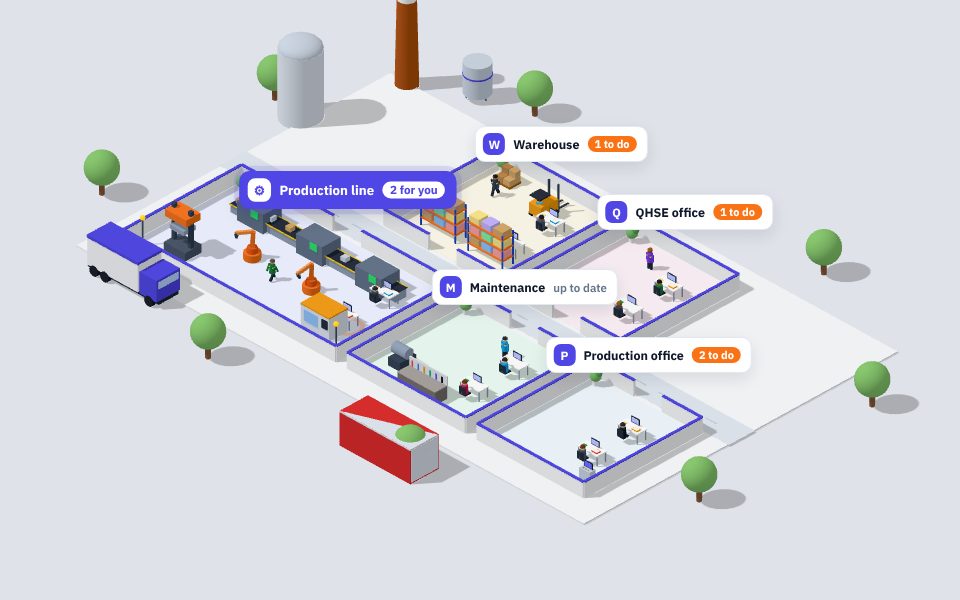
Helvia factory demo: production line, warehouse, maintenance and offices in 3D Demo 2 Open →
⚙

Factory

Production, warehouse and maintenance

Supplies, incidents and repairs around a five-station production line. A line-stop request freezes the conveyor until the work is done.

Build your company in Helvia Studio

Pick a template, arrange the floor, download the K2 package. Your first space can be running in K2 today.